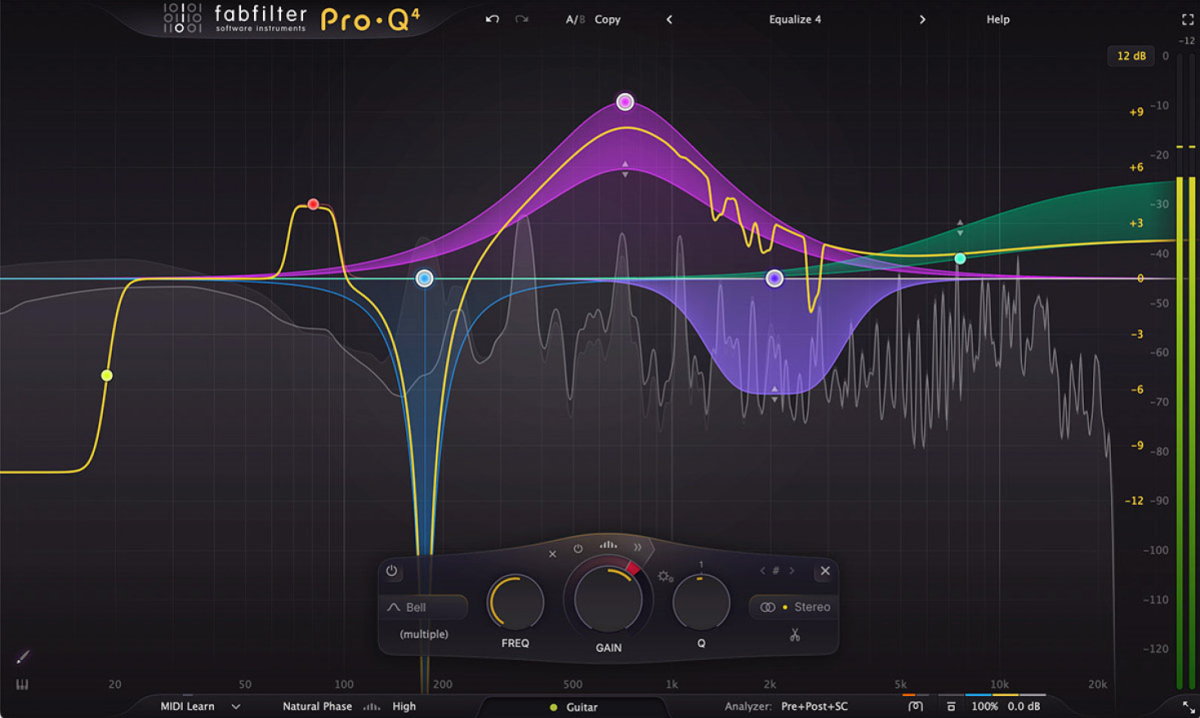
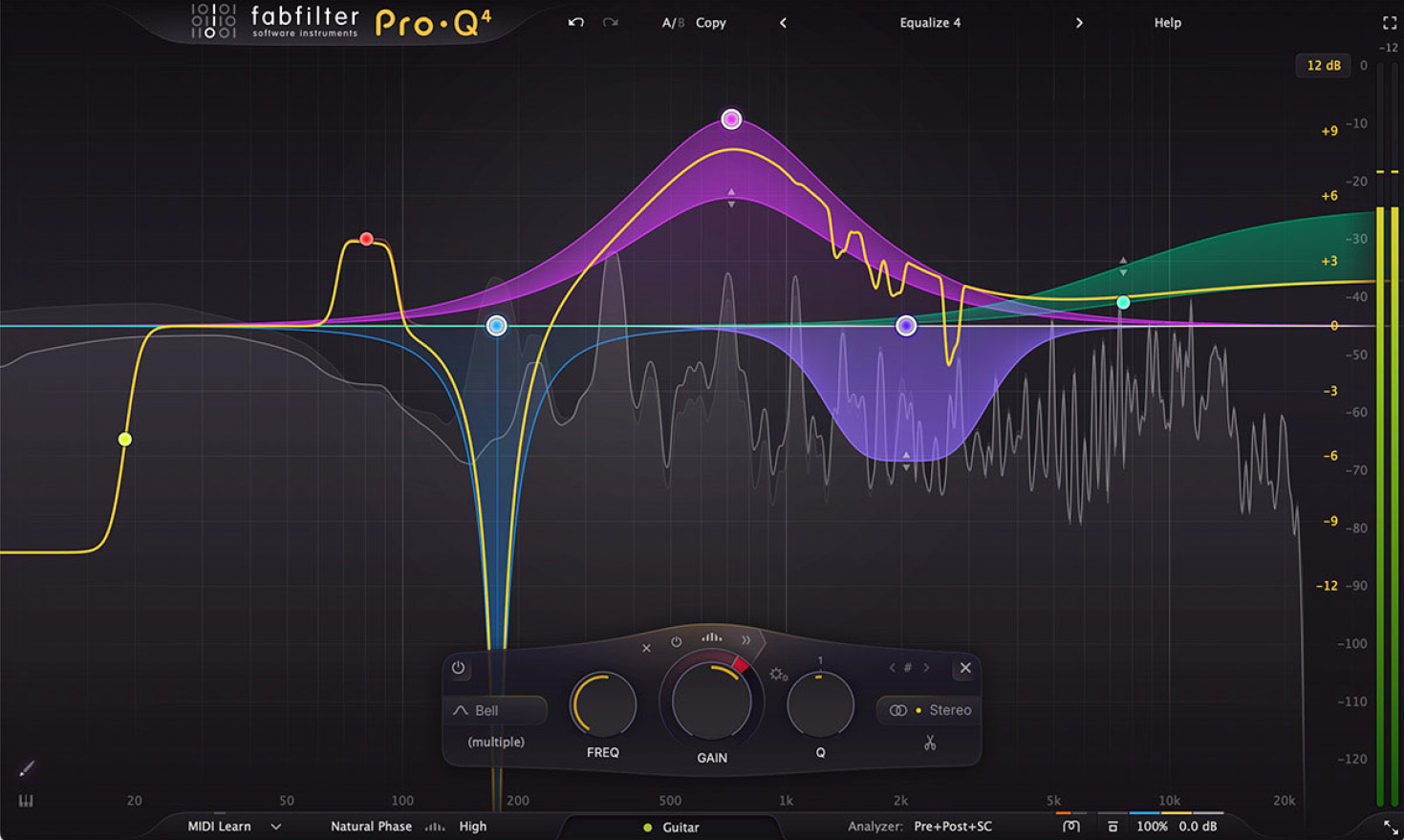
FabFilter Pro-Q 4 sets a new benchmark for EQ plugins with its 24-band design and an intelligent interface tailored for precision and efficiency.
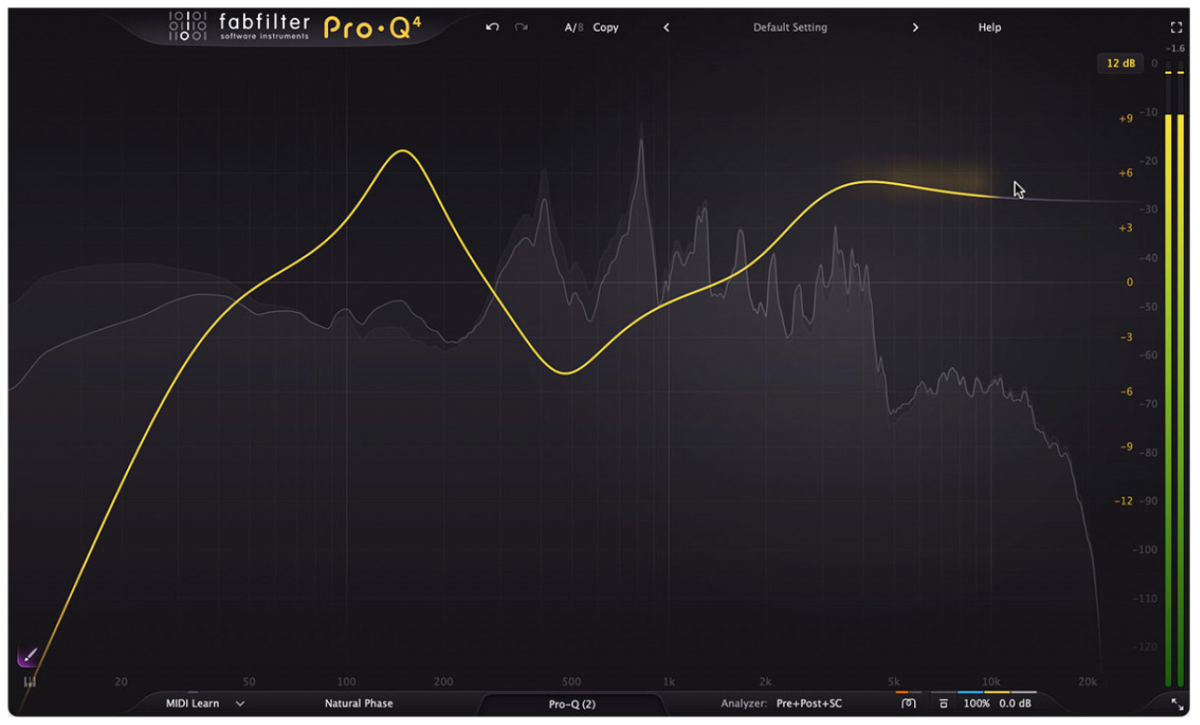
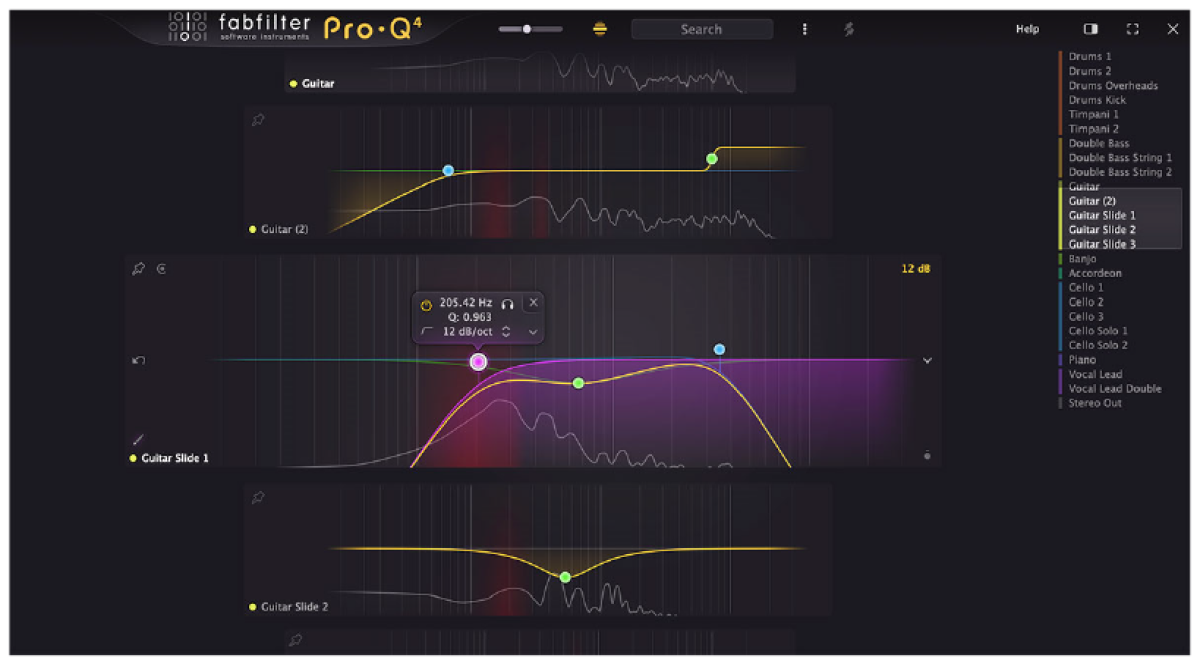
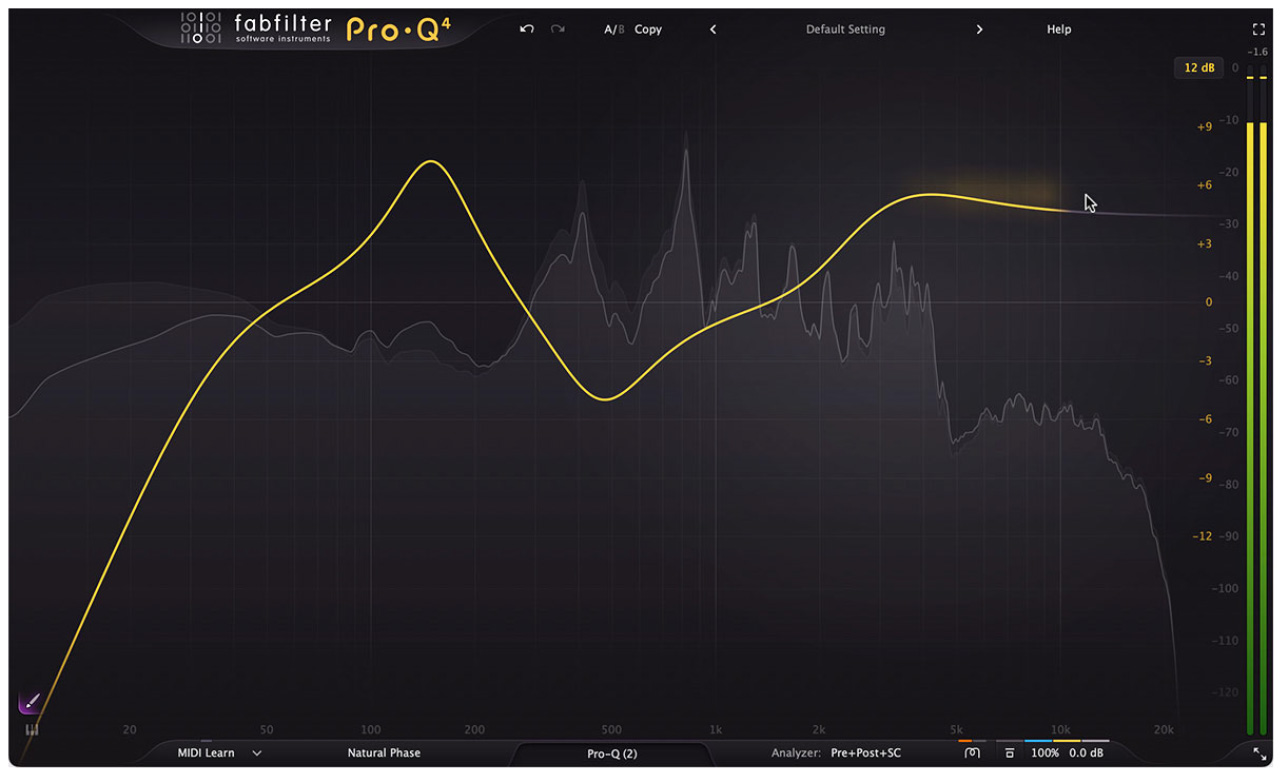
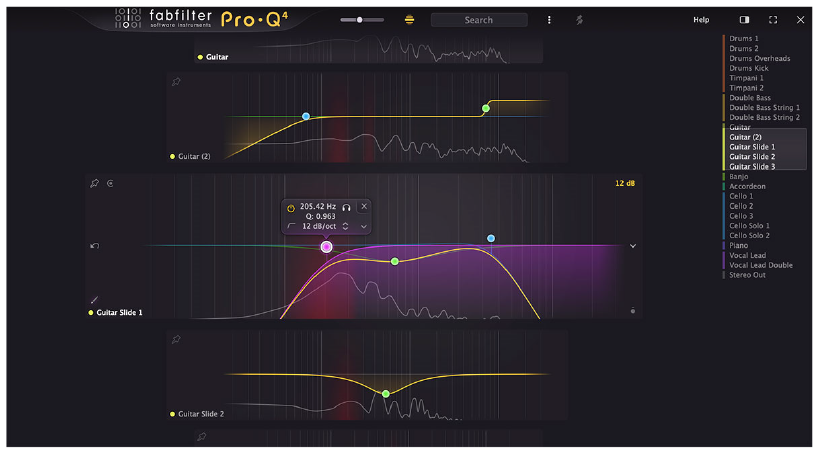
The standout EQ Sketch feature lets users intuitively draw curves for rapid setup, while the Instance List provides seamless control over multiple instances within a session.
Spectral Dynamics enables pinpoint frequency corrections, complementing the refined Dynamic EQ with improved attack and release settings for smooth and clean processing.
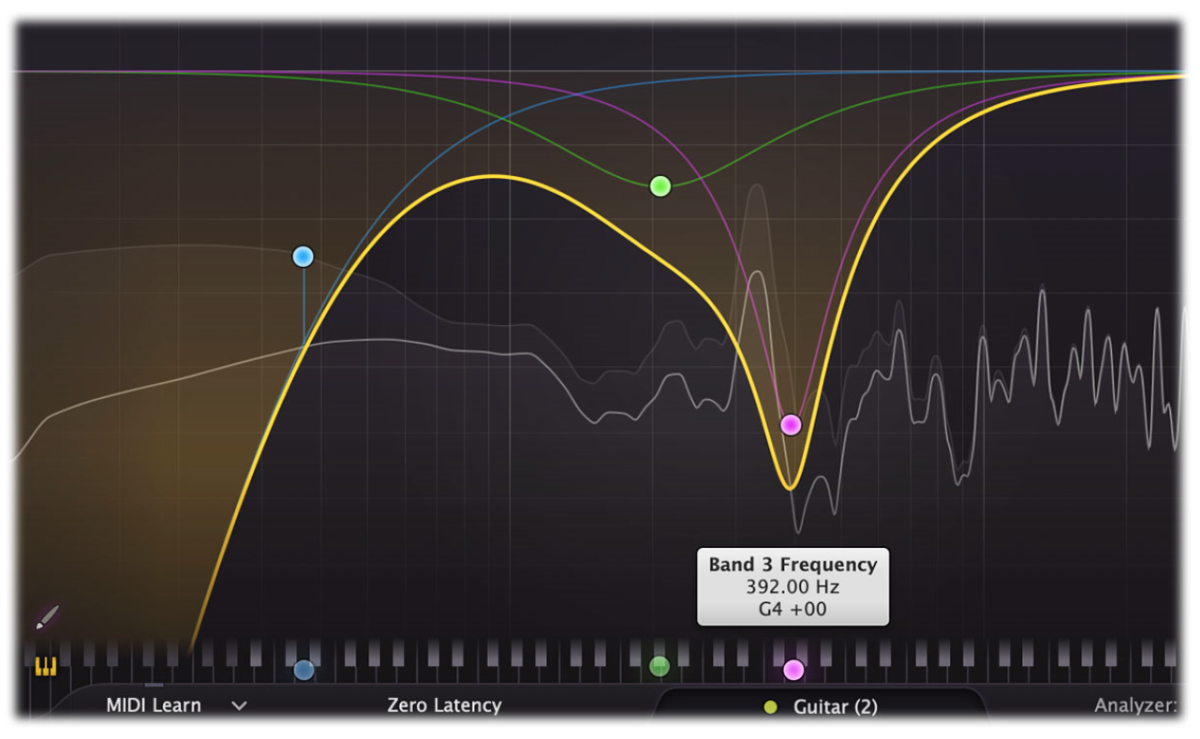
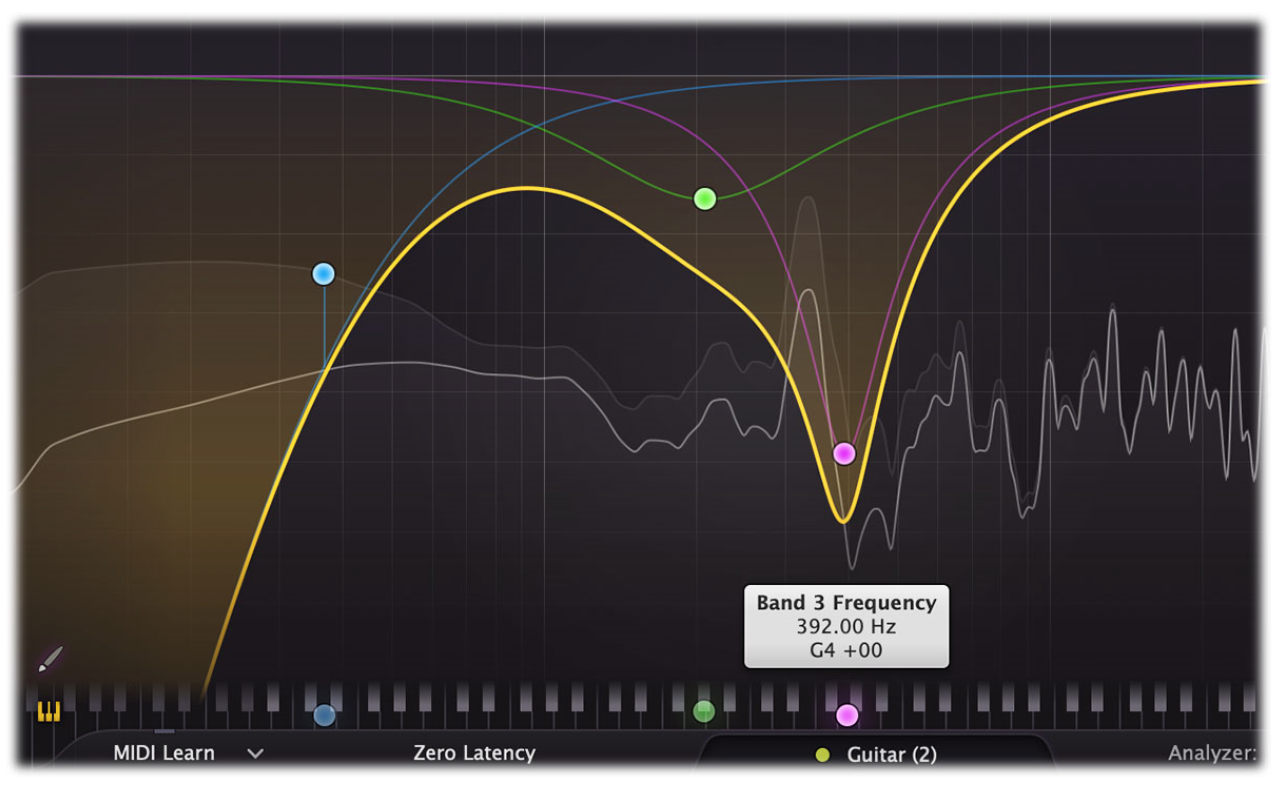
The Piano Display offers a unique way to adjust band frequencies, aligning them with musical notes for precise tonal control. 6 and per-band stereo, mid/side, and left/right processing ensures Pro-Q 4 is perfect for immersive audio workflows.
Advanced tools like EQ Match, Spectrum Grab, and Character modes streamline sound shaping and add vintage warmth. With features like brickwall and fractional slopes, Pro-Q 4 delivers unparalleled flexibility and the highest sound quality for mixing and mastering.
Features
- Highest possible sound quality
- Up to 24 EQ bands
- Optional Dynamic EQ mode for all bands (Bell and Shelf shapes), with adjustable attack and release, optional side-chain filtering and external triggering
- Advanced Spectral dynamics processing, to effectively and precisely treat problem frequencies in your audio
- Full immersive / Dolby Atmos® functionality (up to 9.1.6), with intelligent speaker selection
- EQ Sketch: just draw the desired EQ curve in one go to setup initial EQing
- Continuous slope setting up to 96 dB/oct for all filter types and ultra-steep 'Brickwall' slope setting for LP and HP filters
- Filter shapes: Bell, Notch, High/Low Shelf, High/Low Cut, Band Pass, Tilt Shelf, Flat Tilt and All Pass
- EQ Match feature to automatically match the spectrum of another Pro-Q 4 instance or an external signal
- Built-in spectrum analyzer with Pre-EQ, Post-EQ and external spectrum visualization, adjustable range, speed, resolution, tilt, freeze and collision detection
- Work fast and efficiently: use the Instance list to view and control any other Pro-Q 4 instance in your session
- Gorgeous Retina interface with large interactive EQ display, multi-band selection and editing for maximum ease of use and efficiency
- Per-band mid/side or left/right processing, so you can EQ the mid, side, left or right signals separately
- Operates in zero latency mode, high quality linear phase mode with adjustable latency or the unique Natural Phase mode
- Use the Gentle and Warm Character modes to add analog warmth to your mixes
- Spectrum Grab: just grab and adjust a peak in the real-time spectrum analyzer right away!
- Resizable interface, full screen mode and customizable scaling
- Extreme CPU optimization: Pro-Q 4 uses very little CPU and memory, so you can use hundreds of instances in a session
- Copy and paste EQ bands or presets between plug-in instances
- Auto Gain and Gain Scale
- Optional piano roll display to quantize EQ frequencies to musical notes
- Flat Tilt filter shape, a flat tilting correction curve over the whole audible frequency spectrum
- Different display ranges: 3 dB and 6 dB ranges for mastering, 12 dB and 30 dB for mixing
- Intelligent solo mode makes it easy to find problem frequencies and hear the effect of a band
- Phase Invert option to change polarity
- Supports common Pro Tools hardware control surfaces
- Double-click text entry of parameter values
- MIDI Learn with option to control the currently active band
- GPU-powered graphics acceleration
- Large output level meter with peak level readout
- Undo/redo and A/B comparison
- Smart Parameter Interpolation
- Sample-accurate automation of all parameters
- Extensive help file with interactive help hints
- Available in VST, VST3, Audio Units, CLAP, AAX Native and AudioSuite formats
Videos
Systemvoraussetzungen
Mac
- Prozessor: Apple Silicon or Intel processor
- Unterstützte OS-Version: macOS 10.13 or higher
- Unterstützung: 64_bit
- Plugin-Formate: VST-2, VST-3, AU, AAX, OTHER
- Internetverbindung erforderlich: Nein
Windows
- Unterstützte OS-Version: 11, 10, 8, 7 or Vista
- Unterstützung: 32_bit, 64_bit
- Plugin-Formate: VST-2, VST-3, AAX, OTHER
- Internetverbindung erforderlich: Nein
Lizenzierung
Die Aktivierung erfolgt direkt auf dem Rechner, ein Dongle ist nicht erforderlich.