Parallel Aggressor lets you blend three parallel tracks: dry, saturated, and compressed, adding significant impact to your sound.
The plugin’s "Spank" and "Heat" engines allow for aggressive compression and analog saturation, respectively, giving you full control over each effect. Fine-tune the mix balance of these signals to achieve dynamic depth and presence while retaining natural dynamics.
Auto Gain ensures output levels stay consistent, even with different mix settings. It's perfect for drums, bass, or any track that needs a punchy, full-bodied sound.
Features
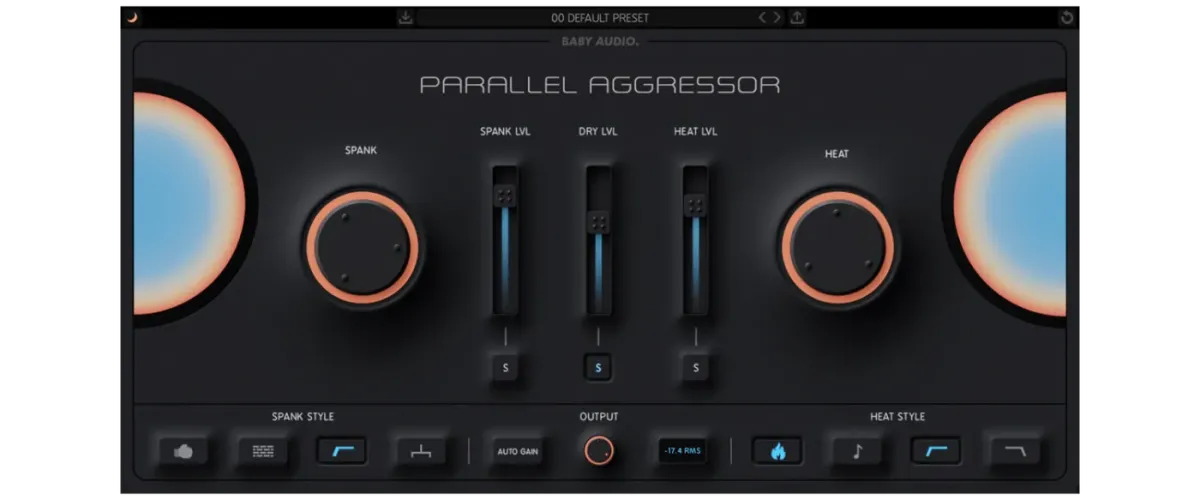
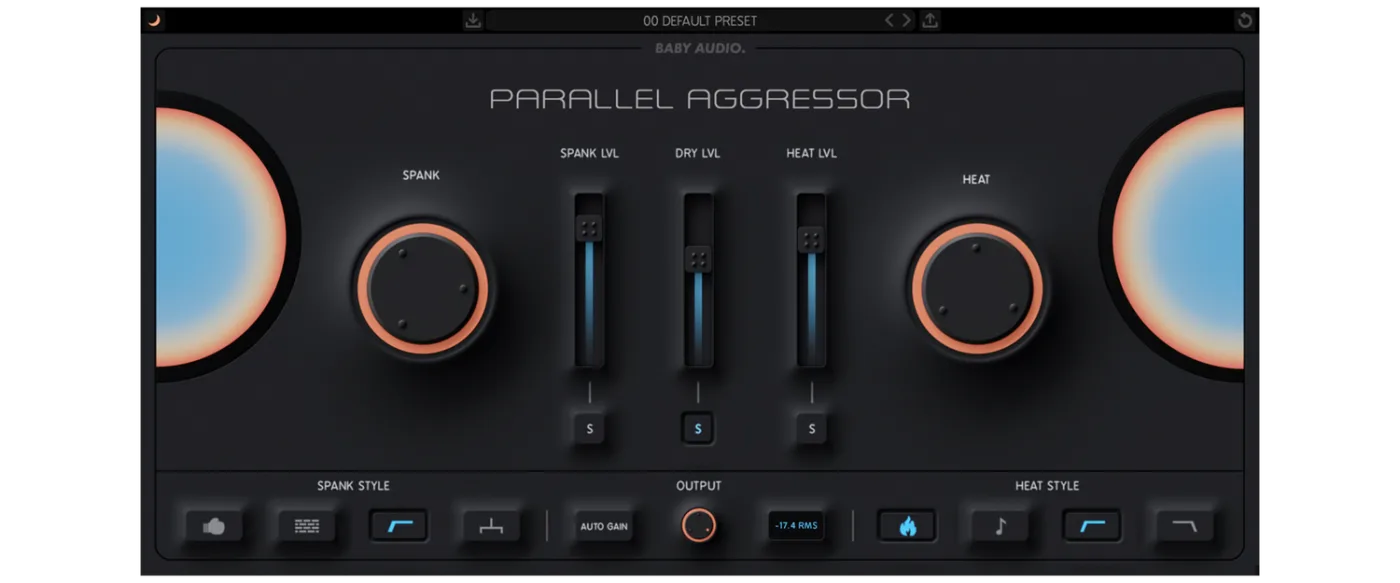
- Parallel Engine 1: Spank - "Spank" offers an addictively punchy parallel compression sound. Set the effect amount by dialing the main "Spank" wheel. Then use style injection buttons to control the behavior of the algorithm. Finally, use the volume slider to set the amount of "spank"/parallel compression you want blended in with your signal. Style injection buttons: Extra Punch, Extra Smack, Sidechain Filter, Mono.
- Setting the mix balance - Balance Parallel Aggressor's three parallel signals with the volume faders in the center of the plugin interface.
- Listening in solo: The solo buttons below the volume sliders let you monitor each parallel signal individually for fine-tuning purposes.
- Display options - Switch between black, gray and white background colors.
- Parallel Engine 2: Heat - "Heat" is a warm, analog modeled, saturation algorithm with an aggressive bite. It will add some rich, non-linear harmonics to blend in with your signal. Set the saturation intensity by dialing the main "Heat" wheel - then use the style injection buttons to control the behavior of the engine. Finally, use the volume slider to set the amount of "Heat"/parallel saturation you want blended in with your signal. Style injection buttons: Extra Hot, Tone, HP Filter, LP Filter.
- Auto Gain - Engage "Auto Gain" to ensure that the combined level of the plugin's three signals roughly matches the input/dry level. This allows you to experiment with different internal mix balances while keeping a consistent plugin output.
- Mixing with the meters - The plugin interface's left and right side meters help you set the appropriate amount of "Spank" and "Heat" for any audio signal. As a general rule of thumb, we recommend you dial the Spank/Heat wheels to taste until the respective meters peak somewhere before the orange line.
Video
Systemvoraussetzungen
Mac
- Prozessor: Native Apple Silicon M-Chip Compatibility
- Unterstützte OS-Version: macOS 10.11 and up
- Plugin-Formate: VST-2, VST-3, AU, AAX
- Internetverbindung erforderlich: Nein
Windows
- Unterstützte OS-Version: Windows 10 and newer
- Plugin-Formate: VST-2, VST-3, AAX
- Internetverbindung erforderlich: Nein